AI sensitive-content detection
Afif’s on-device AI recognises nudity and sexual imagery in any app or browser, blurs it, and sends you a privacy-safe alert.
- Works across every app
- Screenshots blurred & encrypted
- Weekly insights per app
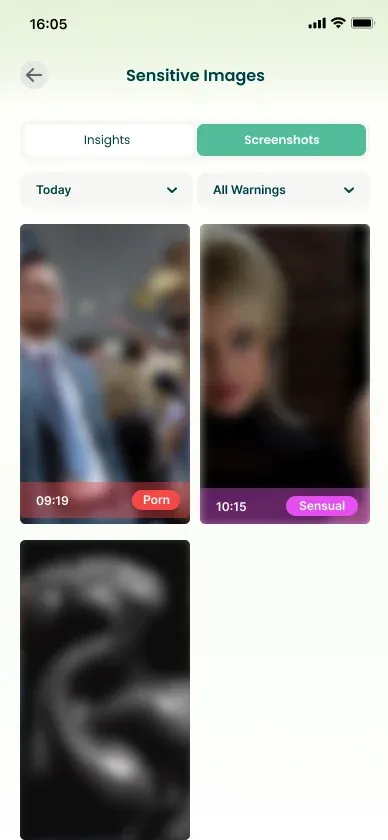
Afif detects and blurs inappropriate content in real time with AI that runs on your child’s phone, and gives you screen-time limits, app control and live location in one calm, simple app.
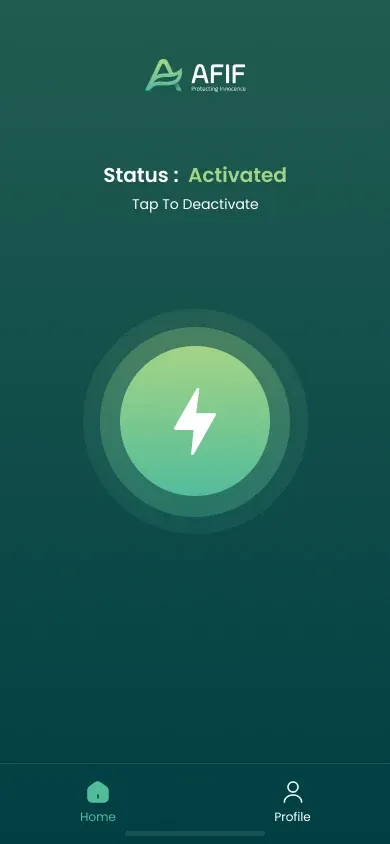
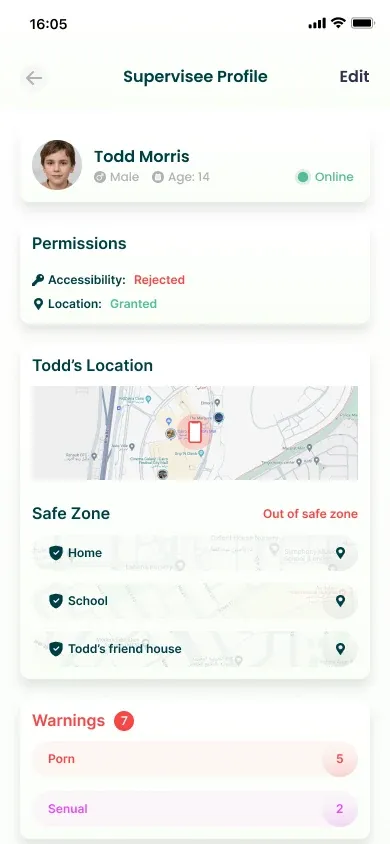
Thoughtful protection that works quietly in the background — so screens stay a place to learn, play and connect.
Afif’s on-device AI recognises nudity and sexual imagery in any app or browser, blurs it, and sends you a privacy-safe alert.
Set a daily allowance for the whole phone or for individual apps. When the time is up, Afif blocks the app automatically.
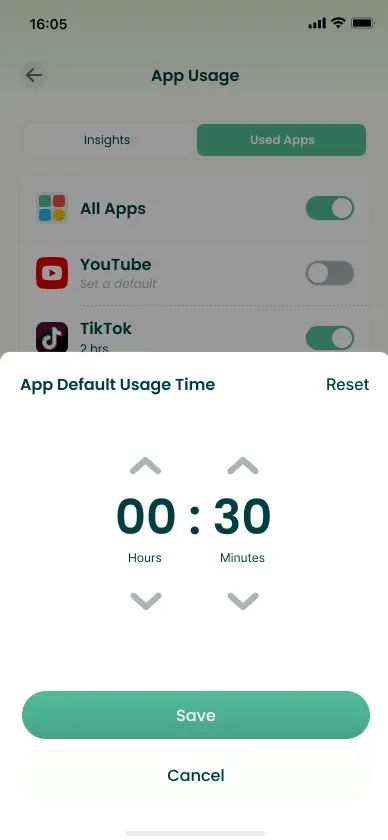
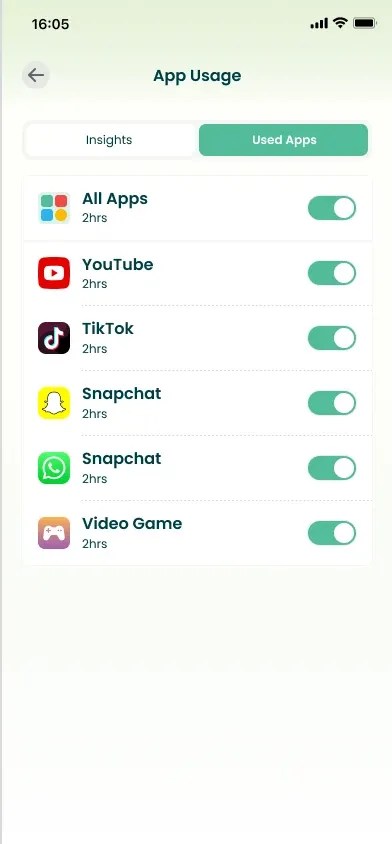
See which apps get the most time, block the ones that don’t belong, and keep learning apps always available.
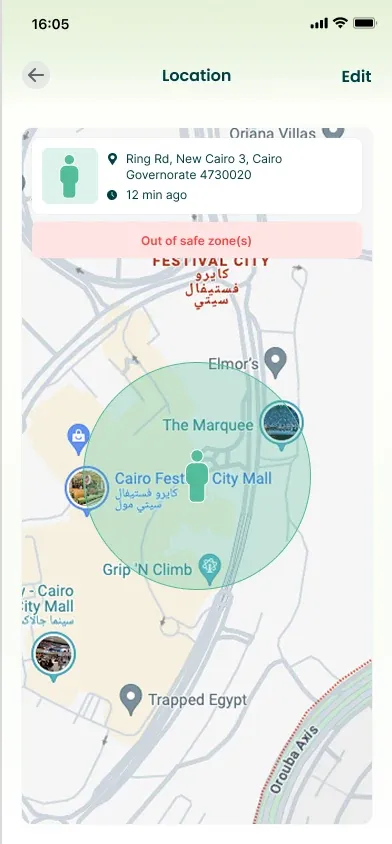
See where they are on the map and get notified when they arrive at — or leave — home, school or anywhere you choose.
Get notified about restricted content, permission changes and low battery before the phone goes dark.
Afif can’t be quietly removed. Any attempt to uninstall or disable protection is blocked and reported to you.
No technical knowledge needed — setup takes just a few minutes.

Download the parent app on your phone, create your account and add your child’s profile.
Install Afif on your child’s Android phone and connect it with a 6-digit code or by scanning a QR code.

Choose limits and safe zones. Afif protects in the background and keeps you updated.
The parent app gives you clarity at a glance. The child app is transparent about what’s shared, so trust grows on both sides.
Permissions, live location, safe zones and warnings for each child on one screen.
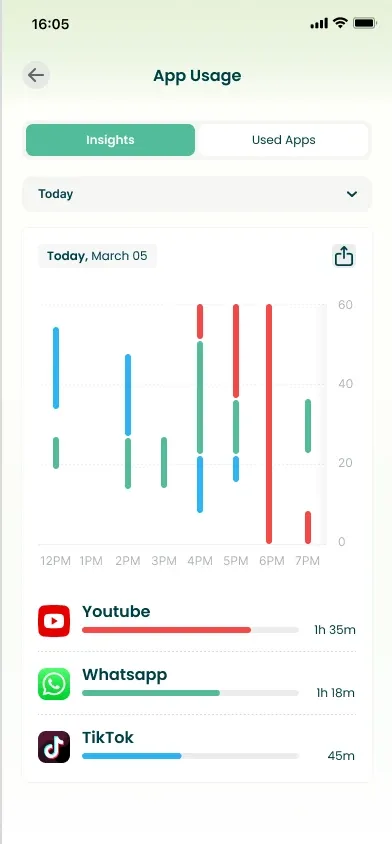
Daily and weekly charts show the apps your child uses most.
Flagged screenshots arrive blurred and encrypted — you decide if action is needed.
Live location on the map, with an alert when they leave a safe zone.
A clear status shows your child that Afif is active on their phone.
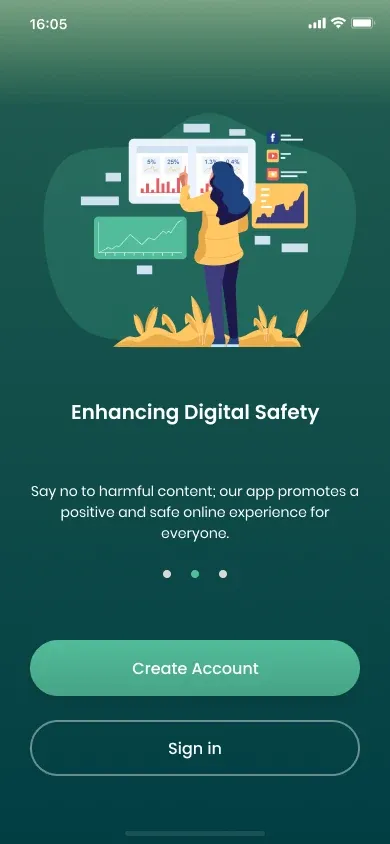
Kid-friendly onboarding explains why Afif is there and how it keeps them safe.
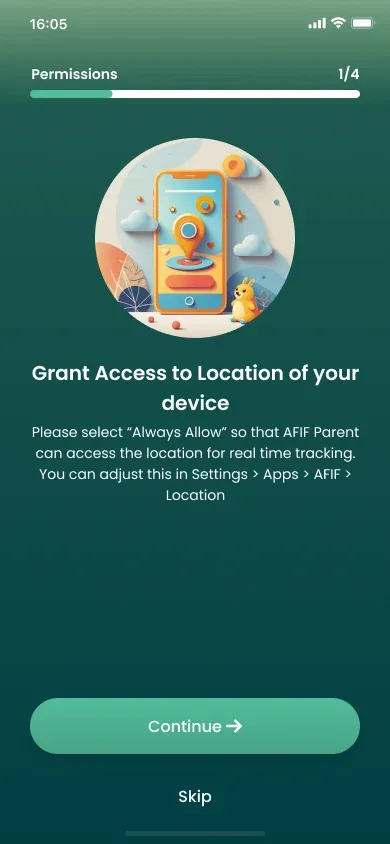
Every permission is explained in plain language before it’s granted.
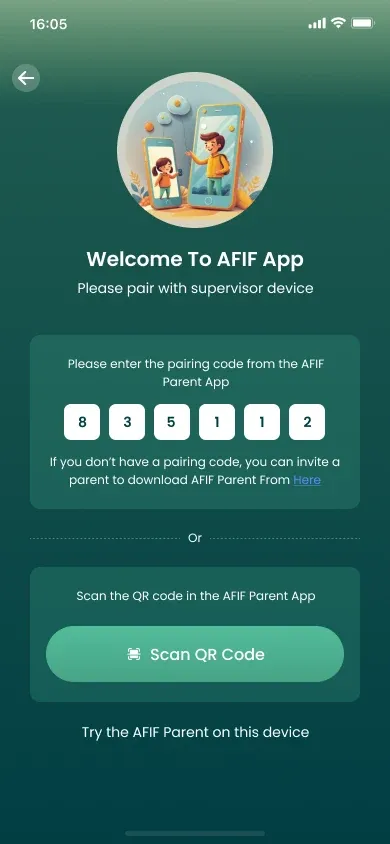
Enter the code from the parent app and protection starts instantly.
Afif was built to protect children — not to collect their data. We never sell or share your family’s information.
Images are analysed on your child’s phone. Normal browsing and photos never leave the device.
Flagged screenshots are blurred and encrypted before upload, and only your parent app can unlock them.
No ads and no data brokers. Your family’s information is never sold or shared with anyone.
Start with 2 weeks free, then choose the billing that suits you. All features included.
$3.33 /mo
$40 billed yearly
$5 /mo
Billed monthly · cancel anytime
No credit card required for the trial. Prices in USD; local taxes may apply.
Everything included:
The child app runs on Android 11 and newer. The parent app is available on Android, and an iOS version is coming soon.
No — and that’s by design. Afif only reports what matters for safety: flagged sensitive images (blurred), app usage, location and battery. It doesn’t read messages, and screens are analysed on the device without being stored.
A compact AI model on your child’s phone checks what appears on screen for nudity and sexual content. If it finds something, the image is blurred and an encrypted report is sent to your parent app.
Afif is optimised to run efficiently in the background. You can also check your child’s battery level from the parent app at any time.
Afif includes uninstall protection. Attempts to remove the app or turn off its permissions are blocked and you are notified.
You can stop auto-renewal at any time from the subscription page in the parent app. You keep access until the end of the paid period.
Still have questions?
[email protected]
Try every Afif feature free for 2 weeks. Set up takes just a few minutes.